Proposals, projects, invoices and payments in one client portal
From signed proposal to paid invoice.
Stop moving each client job between apps. Every live feature in Tayvo is below, with the real screen for each.
Tayvo is the client portal for design agencies that runs proposals, projects, files, invoices and payments for your studio and your clients.
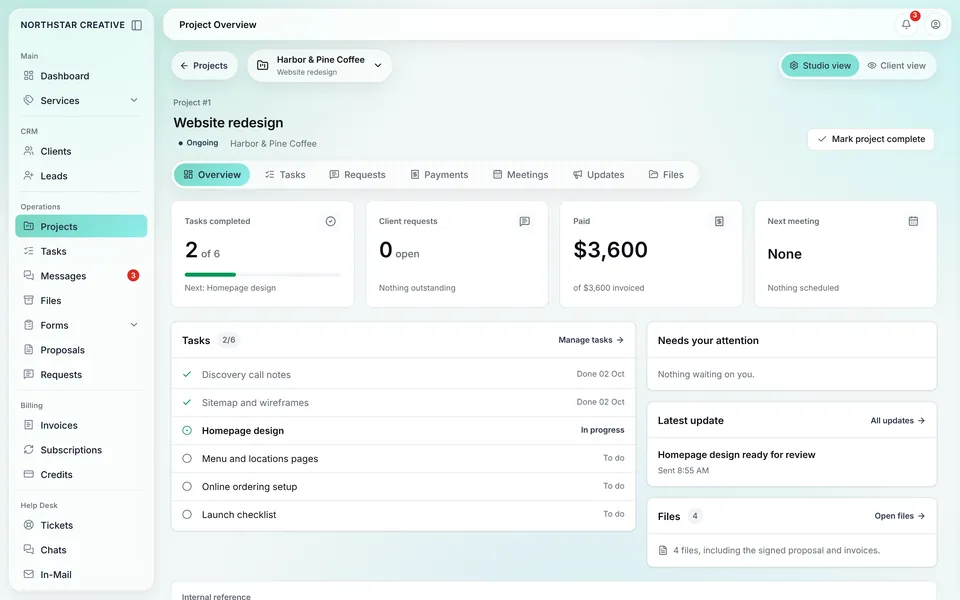
Screens show the real Tayvo app with demo data.
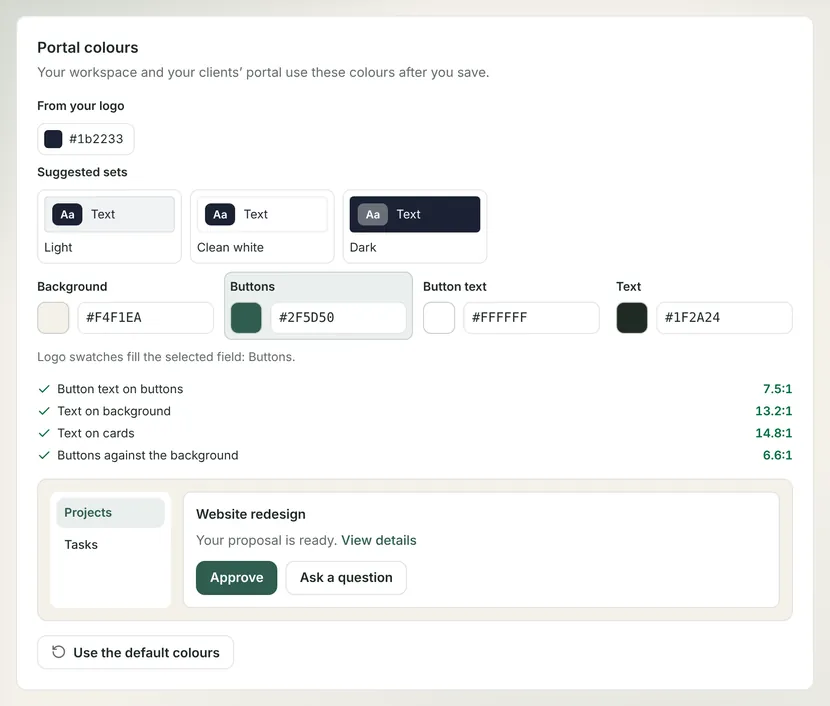
Your colors, your domain, your icon.
Set 4 colors for background, buttons, button text and text. Tayvo applies those colors to your studio and to every client portal you run.
- Color sets suggested from the studio logo you upload
- Contrast checks that block sets clients can't read
- name.tayvo.app or studio. and portal. on your domain
Proposals clients sign online.
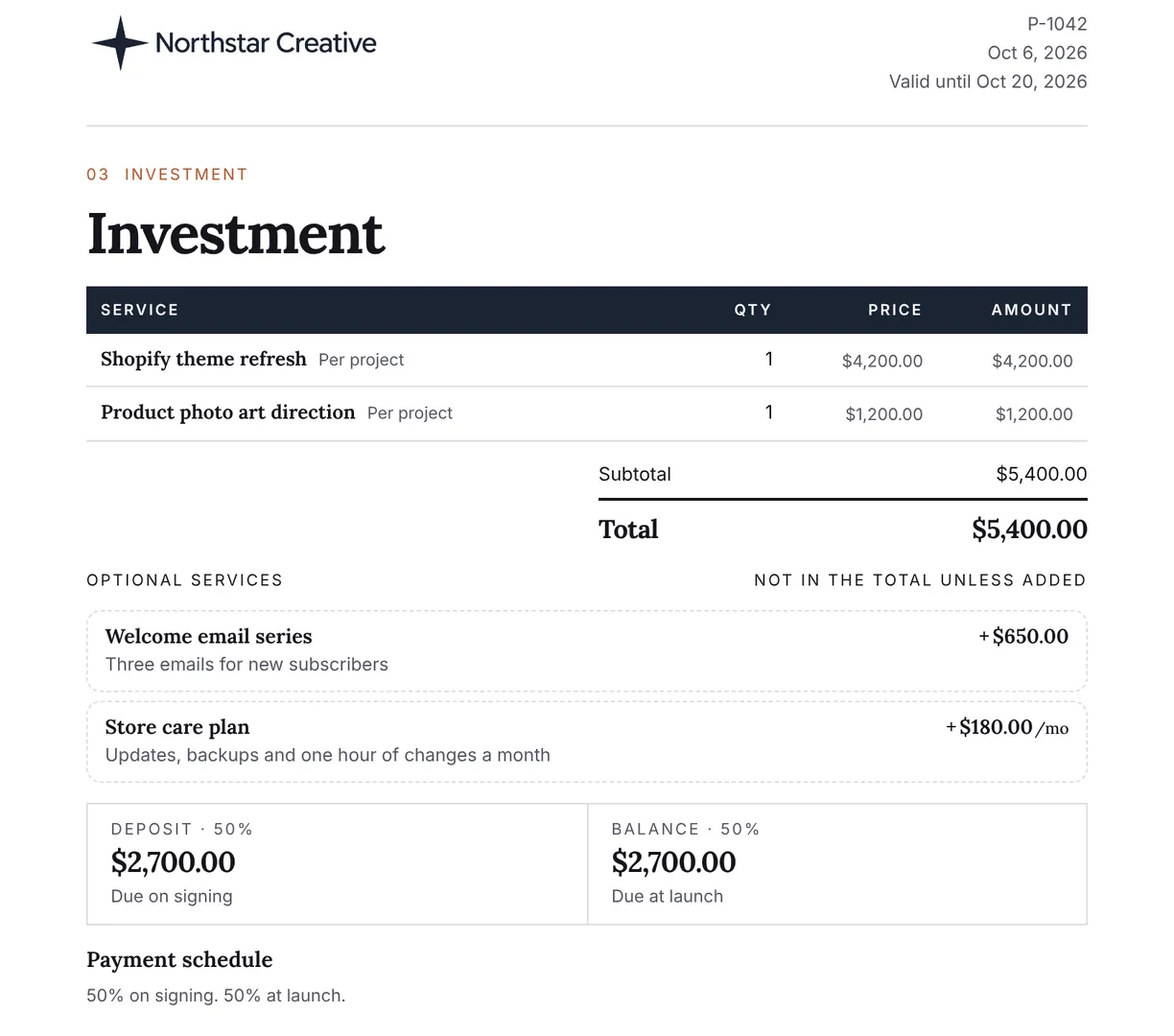
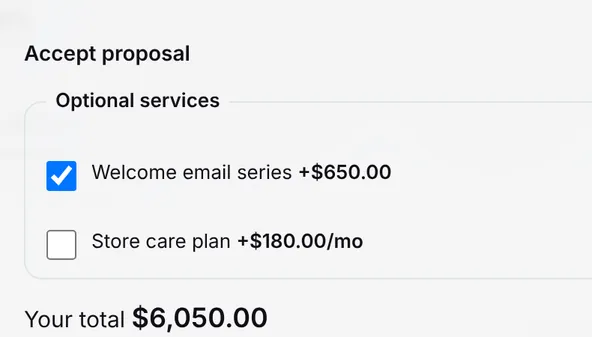
Write the proposal, add optional services and publish to the client's portal. The client ticks the options they want, sees the new total and signs.
- Optional services priced one-off or monthly
- The total updates as the client picks options
- Signed proposals sit on the client's project
Invoices you can edit until they're paid.
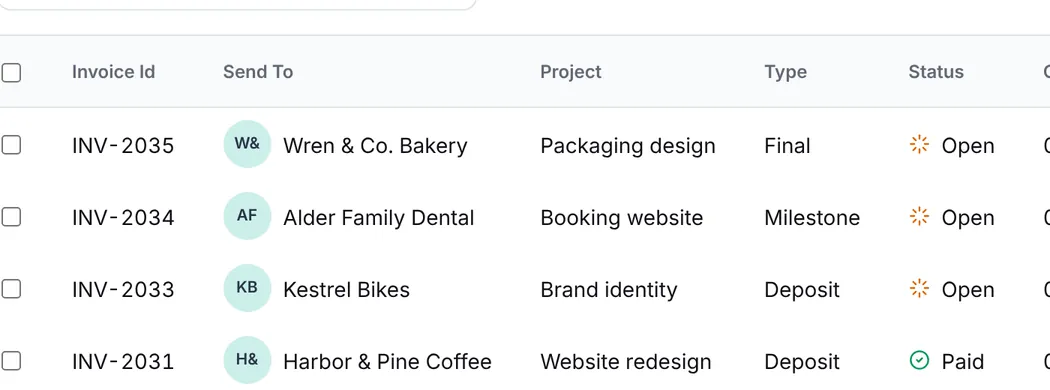
Change a line, an amount or a date on any open invoice. Once the client pays, the invoice shows as paid in your studio and in the client's portal.
- Open and paid invoices in one studio list
- Clients see every invoice in their portal
- Paid invoices land in the client's files

Card payments through Stripe.
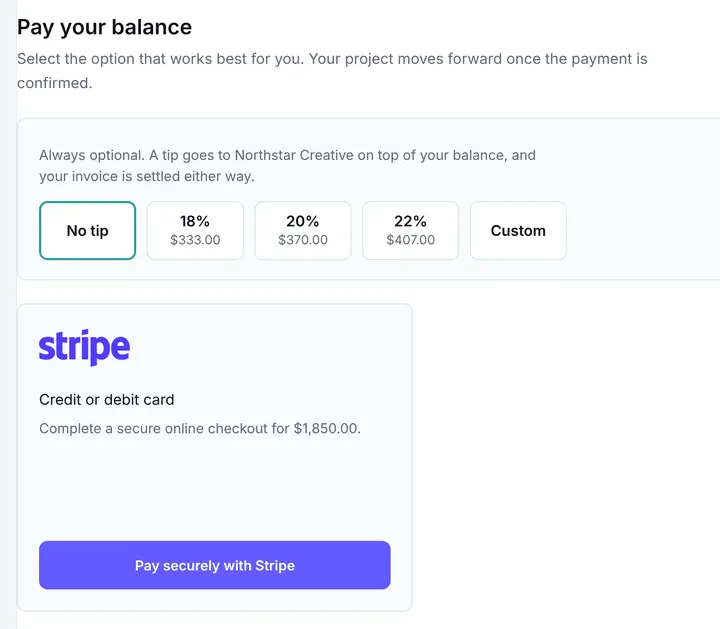
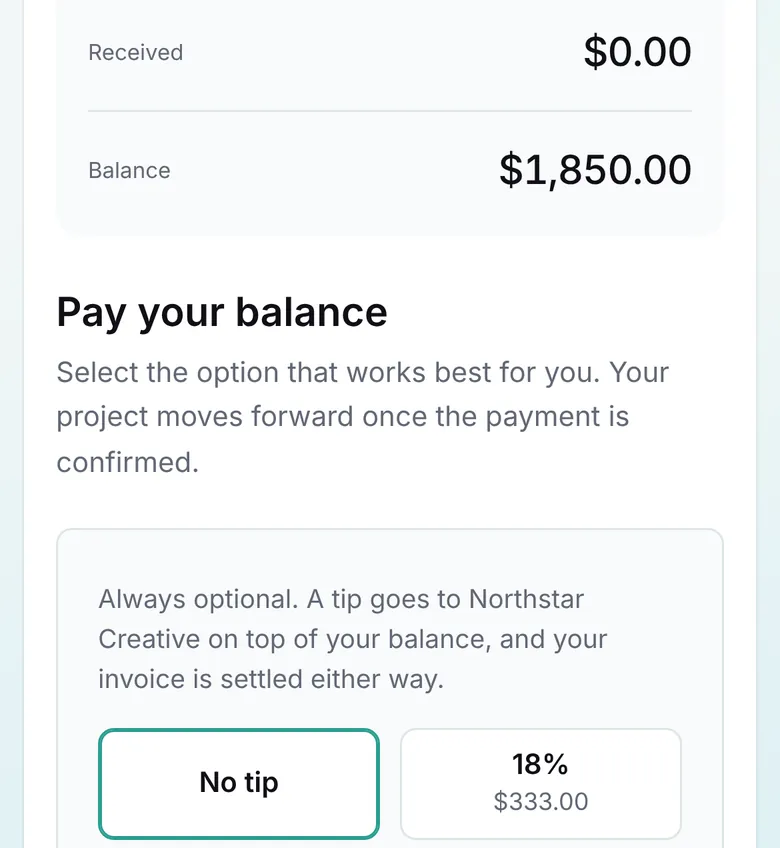
Clients pay by card from the invoice in their portal. Payments run through Stripe Connect, on a laptop or a phone, and can include a tip.
- Pay button on every open invoice
- Tip choices on the payment card
- The same pay screen on a phone
Want your studio on Tayvo? Request beta access.
Bill the hours you log.
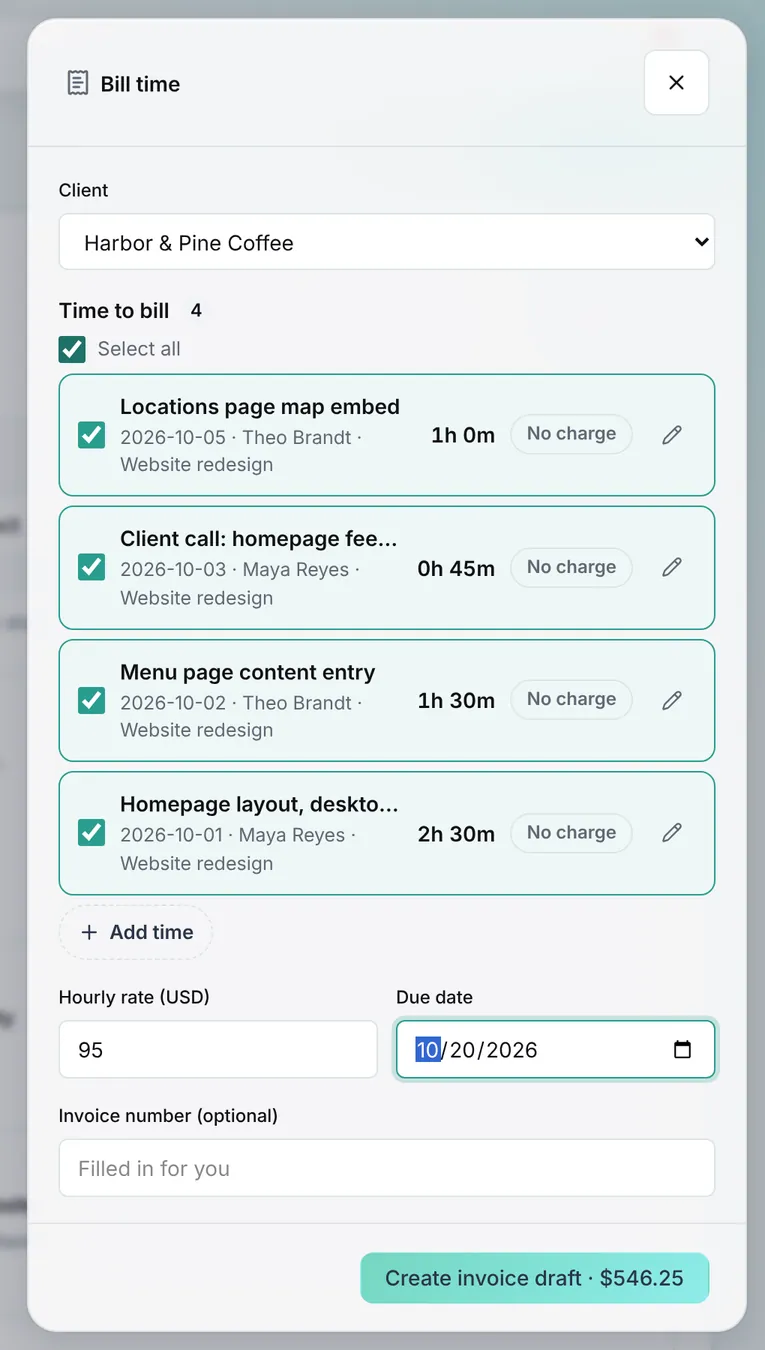
Log time on a project and approve the entries. Pick the entries you want to bill, and Tayvo drafts the invoice lines at your hourly rate.
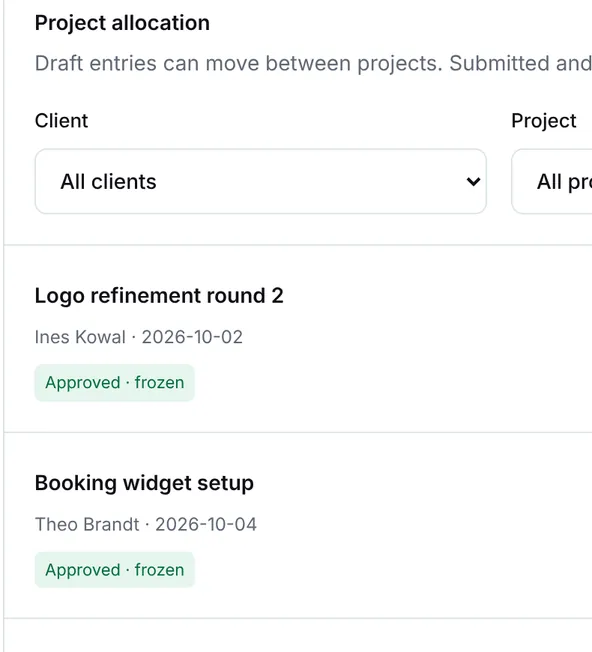
- Time entries per project and per person
- Approved entries lock so totals don't drift
- Billed hours become lines on the invoice
Projects, tasks, files and messages.
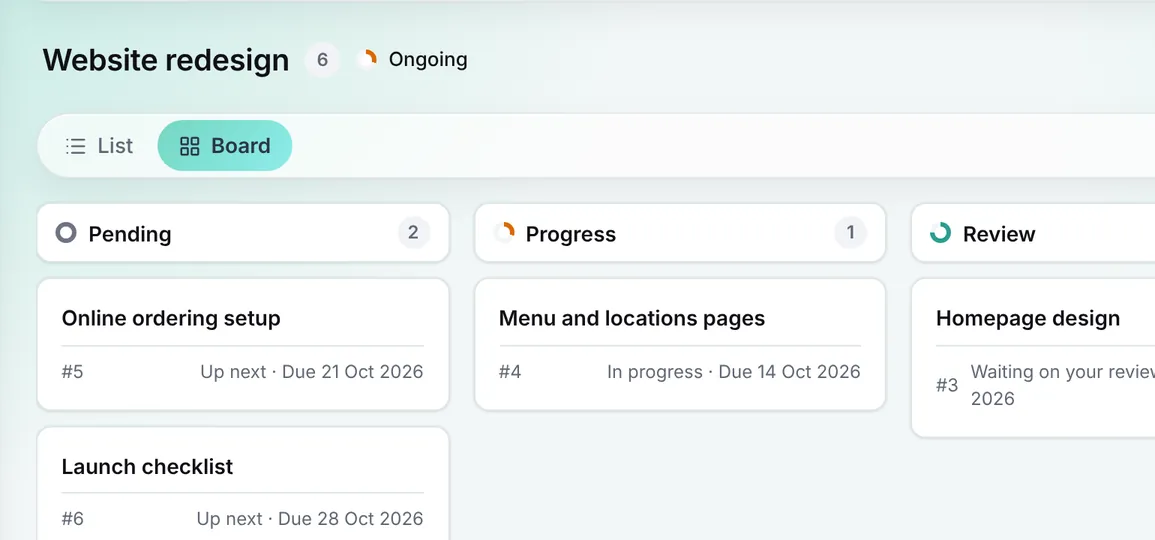
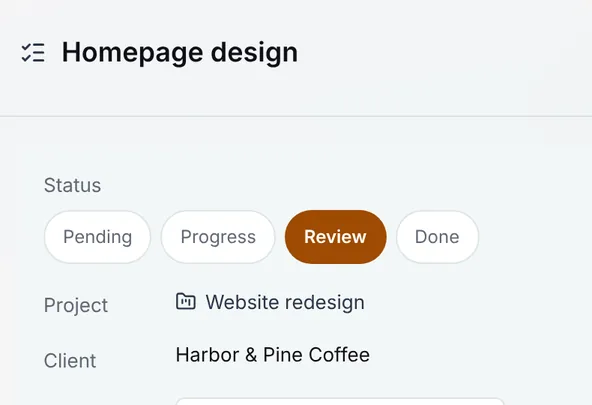
Each client project holds its tasks, files, messages and updates. Your team works in the studio, and the client follows the same project in the portal.
- A task board with Pending, Progress, Review, Done
- Message threads on each project and each task
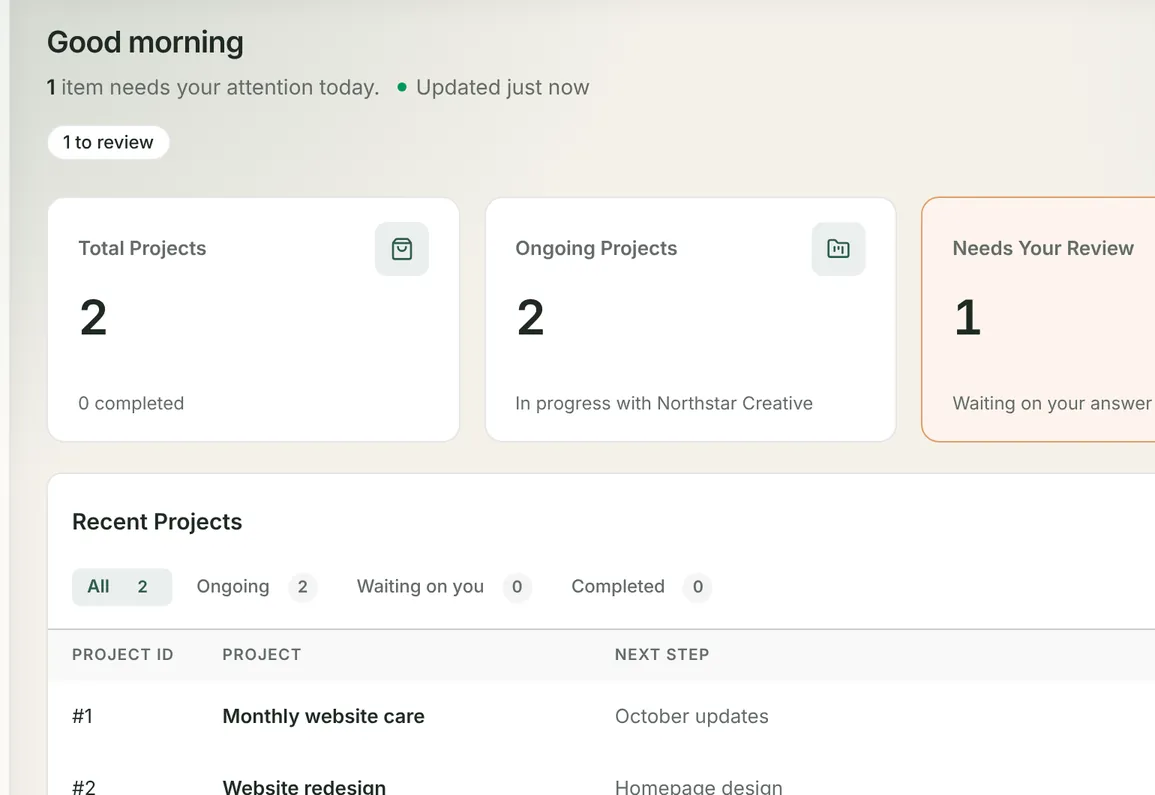
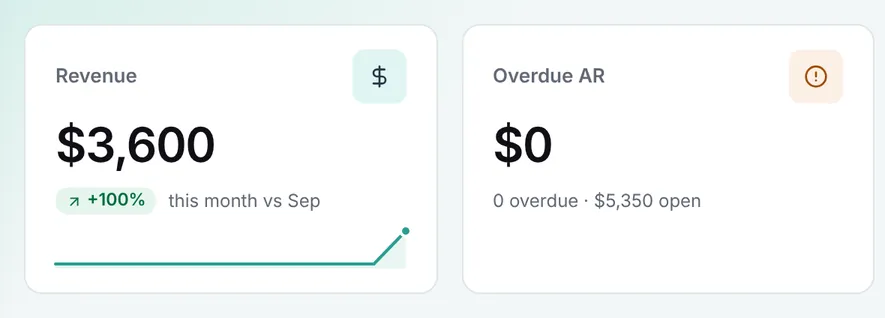
- A dashboard with revenue, clients and projects
Clients sign in without a password.
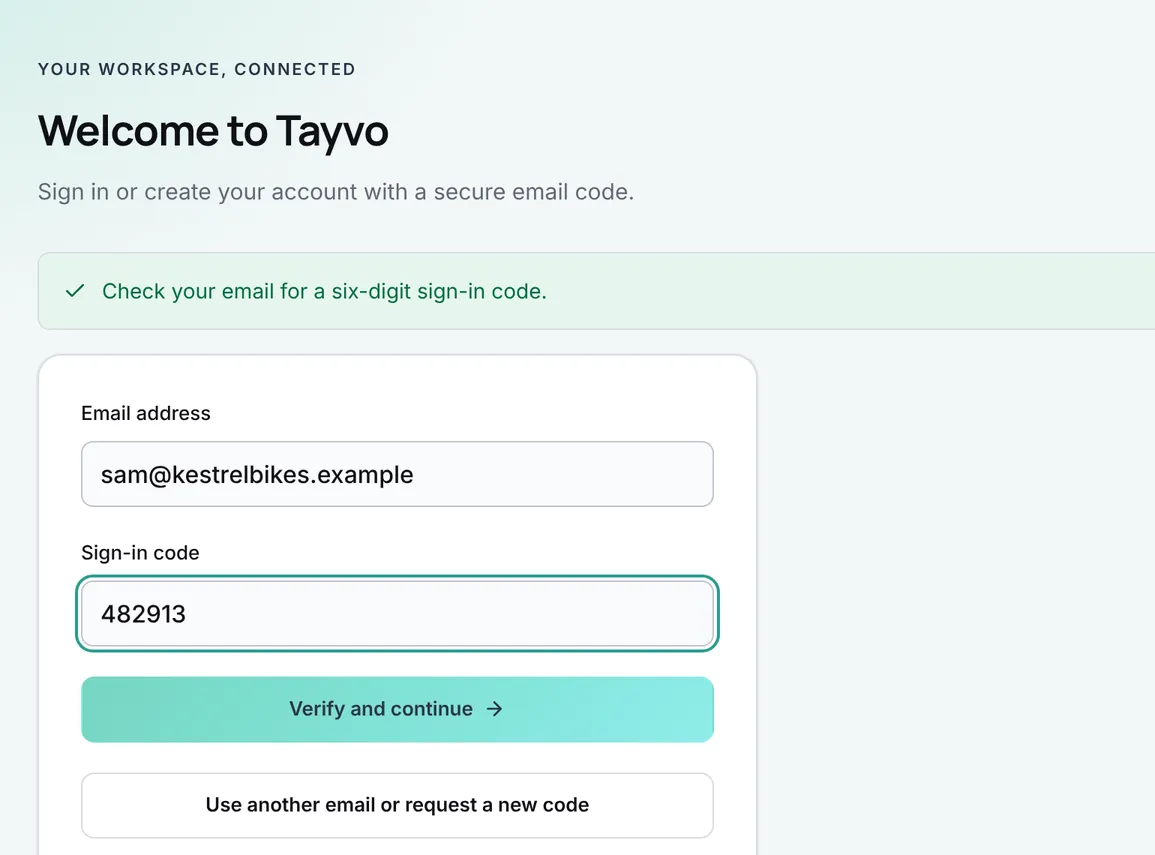
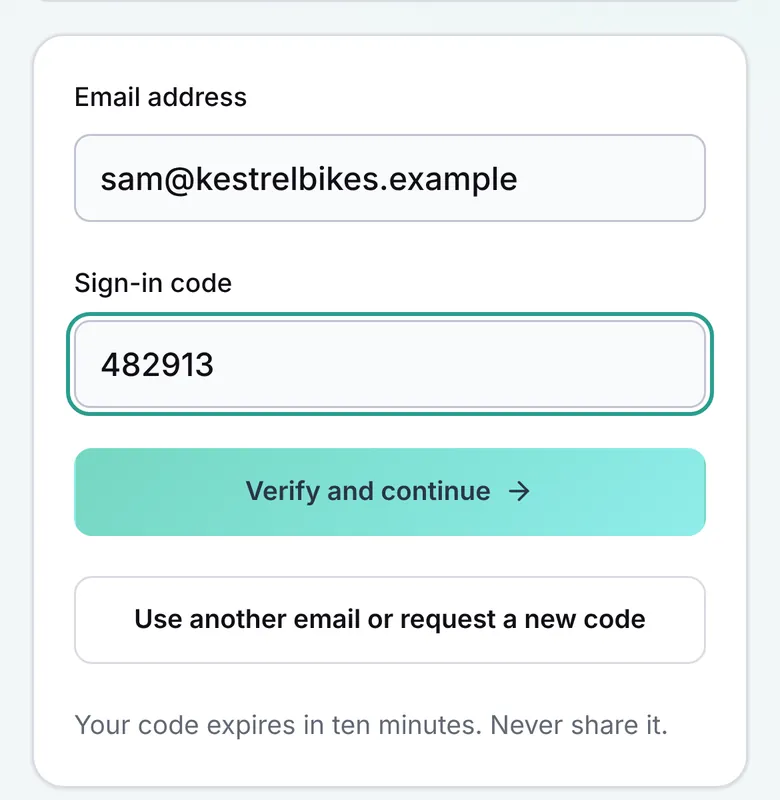
Clients type their email and get a link or a 6-digit code. Your team signs in the same way, at your studio's address, and nobody has a password to forget.
- Sign-in links and codes sent by email
- Sign-in sessions kept in httpOnly cookies
- The same sign-in on desktop and phone
In development.
These features are not live and not in the beta yet. Each one is labeled until the feature ships.
- In development
Booking calendar
Clients book time with your studio, synced to any calendar provider.
- In development
Claude and ChatGPT connector
Give Claude or ChatGPT access to your studio's projects through MCP.
- In development
Full CRM add-on
Track leads and deals before they become clients in your studio.
- In development
AI assistant in Tayvo
An AI assistant inside your studio, built after the connector ships.
Put your next client job on Tayvo.
JT Studio runs its client work on Tayvo. Tayvo is free during the private beta, with no card needed.
Every week on separate apps is another week your client asks where the latest file and invoice are.
Go back to the client portal for design agencies overview, or request access now.
Free during the beta. No card. We reply by email.